How to Delete Your OnlyFans Account Permanently - Easy Step-by-Step Guide How to Delete Your OnlyFans Account Permanently (Step-by-Step Guide) Thinking of stepping away from OnlyFans? Whether it's about digital detoxing, privacy concerns, or just time for a change, saying goodbye to your OnlyFans account is a pretty straightforward process—we're here to walk you through …

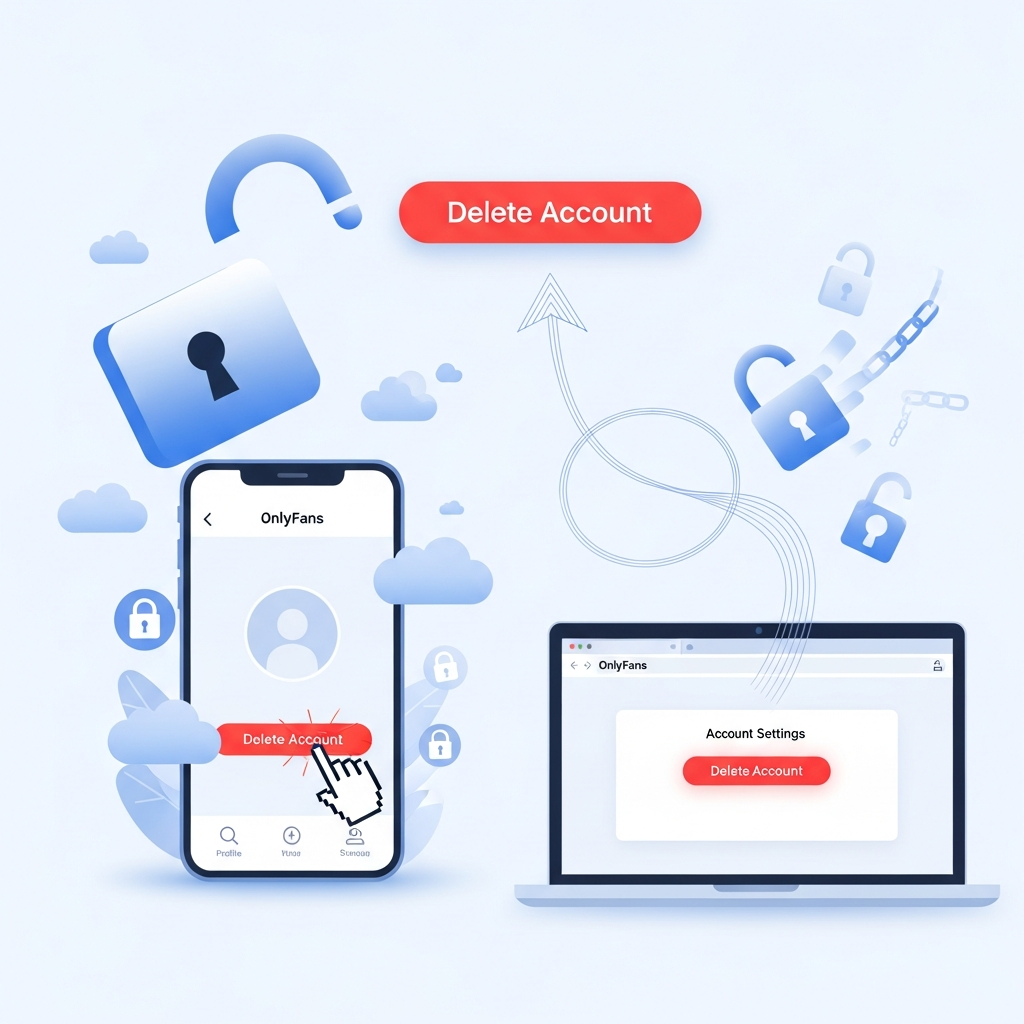
How to Delete Your OnlyFans Account Permanently (Step-by-Step Guide)
Thinking of stepping away from OnlyFans? Whether it’s about digital detoxing, privacy concerns, or just time for a change, saying goodbye to your OnlyFans account is a pretty straightforward process—we’re here to walk you through it step by step.
This guide will explain how to delete your OnlyFans account permanently, what you should know before doing so, how long it takes, and what happens after deletion. Let’s dive in!
Why You Might Want to Delete Your OnlyFans Account
There are a ton of reasons people choose to delete their OnlyFans account. Some want to protect their privacy. Others just don’t find value in the platform anymore. Maybe you’re a creator shifting to a different platform, or a subscriber tightening up your finances.
Regardless of the reason, it’s important to understand what your options are and how to go about it the right way. So, let’s start simple: you can delete your OnlyFans account whether you’re a creator or a subscriber.
Some common reasons to leave OnlyFans:
- Privacy concerns: You don’t want your subscription or content out there publicly.
- Financial reasons: Tired of monthly subscription charges.
- Personal life changes: Moving away from adult content or digital platforms.
- Switching platforms: Choosing a different site to follow or publish content.
Things to Know Before You Delete Your OnlyFans Account
Before hitting that “delete” button, there are a few things you should be aware of:
- You cannot reactivate your account once it’s deleted. It’s gone for good. You’ll have to start over if you want to come back later.
- All subscriptions and content will be lost forever. If you’re a creator, your content will be wiped. Subscribers will lose access immediately.
- Pending payouts must be processed. If you’re a creator, make sure you withdraw any remaining funds from your balance.
- Subscriptions must expire before the account disappears. Your account won’t be fully deleted if there are active subscriptions (either paid or unpaid).
Pro tip: If you’re a creator, consider informing your subscribers before deleting your account. It’s a good way to maintain goodwill and maybe redirect fans to other platforms.
How to Delete Your OnlyFans Account: Step-by-Step Guide
Let’s now go through the process of deleting your OnlyFans account for good. Whether you’re using a smartphone, tablet, or desktop, the steps are pretty much the same.
Step 1: Log in to Your Account
Head over to OnlyFans.com and log in with your username and password.
Step 2: Go to Settings
In the menu (usually the top right-hand corner), click on your profile and then click on “Settings.”
Step 3: Select “Account” Tab
Inside the Settings menu, you’ll see several tabs. Click on “Account” to manage your personal information.
Step 4: Scroll Down & Click “Delete Account”
At the bottom of the Account section, look for the option labeled “Delete Account” and click it.
Step 5: Enter the CAPTCHA
You’ll be asked to enter a CAPTCHA to verify that you’re not a bot. Complete it carefully.
Step 6: Confirm Deletion
After entering the CAPTCHA, click on the final “Delete Account” button. You’ll get a pop-up asking if you’re sure, just to confirm. Click “Yes.”
That’s it—you’re done! Your account is now scheduled for deletion.
What Happens After You Delete Your OnlyFans Account?
Once you’ve confirmed deletion, your account is no longer accessible. However, if you’re a creator with subscribers, OnlyFans will wait until the last subscription expires before completely wiping the account.
Subscribers lose access immediately, and your profile disappears from search results. Your content, messages, profile details, and earnings history will all be removed. Think of it like digital self-destruct.
Can You Delete an OnlyFans Account with an Active Subscription?
Yes, but there’s a catch.
If you’re a subscriber, you can delete your account at any time. But your subscription will end according to the renewal cycle—it won’t automatically refund unused days.
If you’re a creator, your account won’t be fully deleted until all current subscriptions have expired. This process ensures fans get what they paid for.
So, if you just renewed a 30-day subscription and delete your account, OnlyFans will keep the profile hidden until that 30 days runs out. Then, it’s wiped.
Deleting vs. Deactivating Your OnlyFans Account
Unlike some other platforms, OnlyFans doesn’t have a formal “Deactivate” option. Once you delete your account, that’s it. There’s no going back.
If you just want a break, your best option is to remove payment methods and unsubscribe from accounts. But if you’re serious about leaving, deleting is the only permanent solution.
What About Canceling Paid Subscriptions?
If you’re not ready to delete your whole account just yet, you can cancel subscriptions instead.
Here’s how you cancel a subscription:
- Log in to your OnlyFans account.
- Go to the creator’s profile you’re subscribed to.
- Find the “Auto-Renew” toggle and turn it off.
You’ll still have access until the end of your billing cycle, but it won’t renew. Easy as that.
How to Contact OnlyFans Support
Having trouble deleting your account? Or maybe you’re running into a technical issue? The OnlyFans support team can help.
Here’s how you can reach them:
- Visit: onlyfans.com/help
- Email: support@onlyfans.com
- Use in-app Contact Support
They usually respond within 24–48 hours.
Final Thoughts: Is It Time to Say Goodbye to OnlyFans?
OnlyFans isn’t for everyone, and that’s totally okay. Whether you’ve outgrown it, found a better alternative, or just want to take control of your digital footprint, deleting your OnlyFans account can be a smart, empowering move.
If you’re ready to delete your OnlyFans account permanently, now you know exactly how to do it step by step. Make sure you wrap up pending subscriptions or payouts and take a few minutes to double-check everything before saying your final goodbye.
Need help cleaning up your digital life even more?
Check Out More Helpful Guides from OnlyGuider
At OnlyGuider, we help you navigate digital platforms with confidence. From account management to privacy control, we’ve got guides for everything.
Still got questions? Drop us a comment below or check our FAQ page.
Frequently Asked Questions
Can I reactivate my OnlyFans account after deleting it?
No. Once it’s deleted, it’s gone for good. You’d need to create a brand-new account if you want back in.
Do I get a refund when I delete my account?
OnlyFans doesn’t offer refunds. Even if you just renewed a subscription, it’ll stay active until the end of the billing cycle with no partial refund.
Can I delete my account from the OnlyFans app?
Technically, OnlyFans doesn’t have a dedicated app. It’s a browser-based platform. You can still delete your account using a mobile browser by following the same steps listed above.
How long does it take for my account to be completely deleted?
If you don’t have any subscriptions, it happens almost instantly. If you’re a creator with active subscribers, the full deletion completes once subscriptions expire.
Ready to take control of your online presence? Start by cleaning the slate—and deleting your OnlyFans account is a great place to begin. Follow the steps above and move forward with peace of mind.
Written by the team at OnlyGuider.com – your trusted source for digital platform guides. 💡